How Tuno works
Ask your question, out loud or typed, and get walked through the answer. That’s the whole idea. Here’s how it works in practice.
Tuno runs on Windows 10 and 11 PCs and needs an internet connection. See what you need.
1
Open Tuno
Tuno lives quietly near the clock at the corner of the screen. Click the little Tuno circle, or choose Talk to Tuno, and it opens, ready to help.
No menus to learn. The app installs in about a minute, with an optional helper for Chrome or Edge if you'd like Tuno to read web pages with you.
2
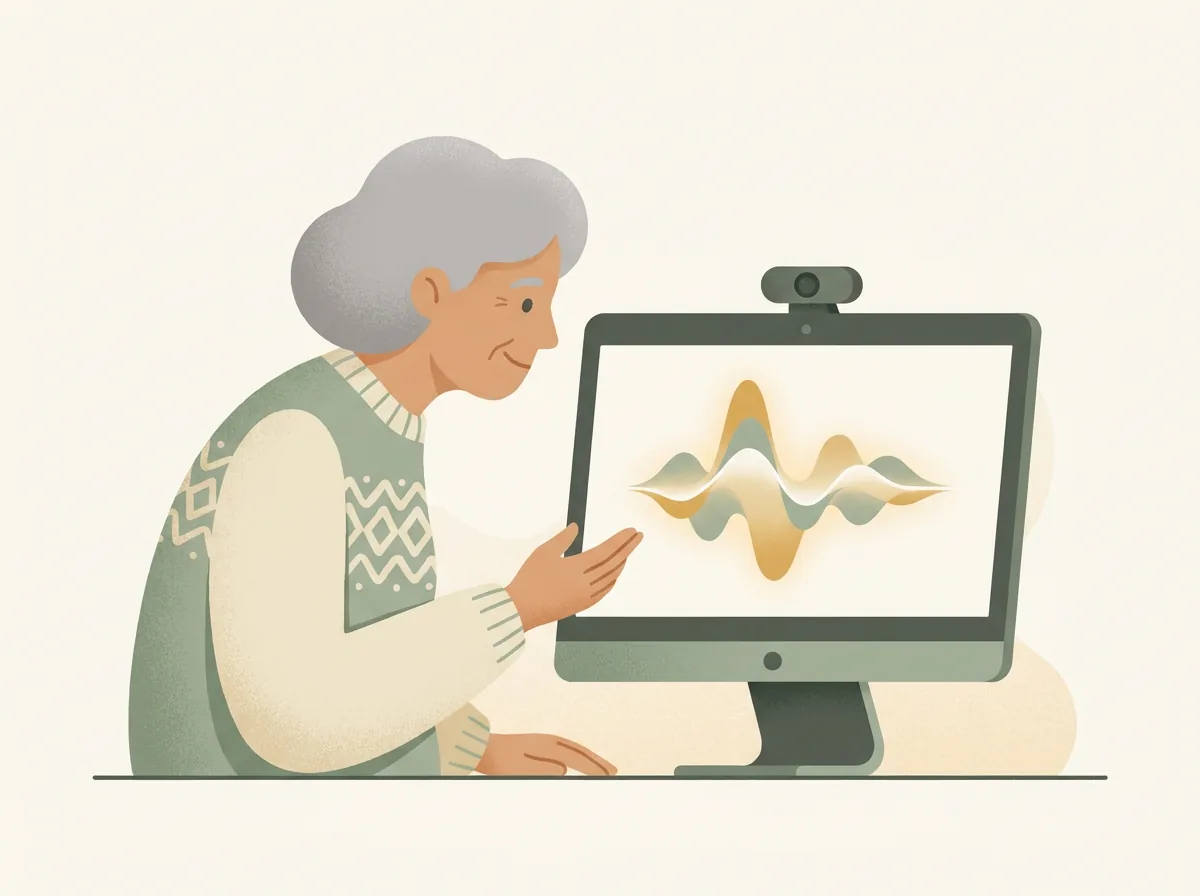
Say what's wrong, or type it
When something goes wrong (a confusing error, a printer that won't work, a suspicious pop-up), just say it in your own words. Talking and typing both work.
You'll hear a gentle chime, and Tuno starts listening.

3
Tuno helps, patiently
Tuno listens, works out what's going on, and guides you one step at a time. You always do the clicking.
Ask the same thing five times if you need to. The answer comes back just as patiently.
Tuno does the explaining and you do the doing. So the “I fixed it myself” at the end is real, and so is the confidence that comes with it.
What happens after you sign up
Four short steps, about 20 minutes in all.
1
Verify your email
One click on the link we send you.
2
Download and install
If Windows shows a blue SmartScreen message, check the publisher is Tuno AI Ltd and choose Run anyway.
3
First hello
Open Tuno and it guides you through a short setup, at your pace.
4
Invite family (optional)
Connect family in the Family Portal so they see summaries and can manage the billing. Whoever pays can cancel anytime.
Every plan includes a monthly help allowance: nearly an hour and a half of voice conversation a month, plus typed help and email and scam checks. If it’s ever used up, typed help and scam checks keep working while voice pauses until the month resets. There are no surprise charges: extras like credit top-ups are always opt-in. The detail is in the Fair Use Policy.
Ready to try?
Free for 7 days with no card needed, then £16.35 a month, or £14.99 a month billed yearly (£179.85).